Native Stream Deck plugins
One bridge.
Every app.
DeckBridge builds native Stream Deck plugins - not profile packs. Keys read real application state, show it honestly, and light up the moment something needs you.
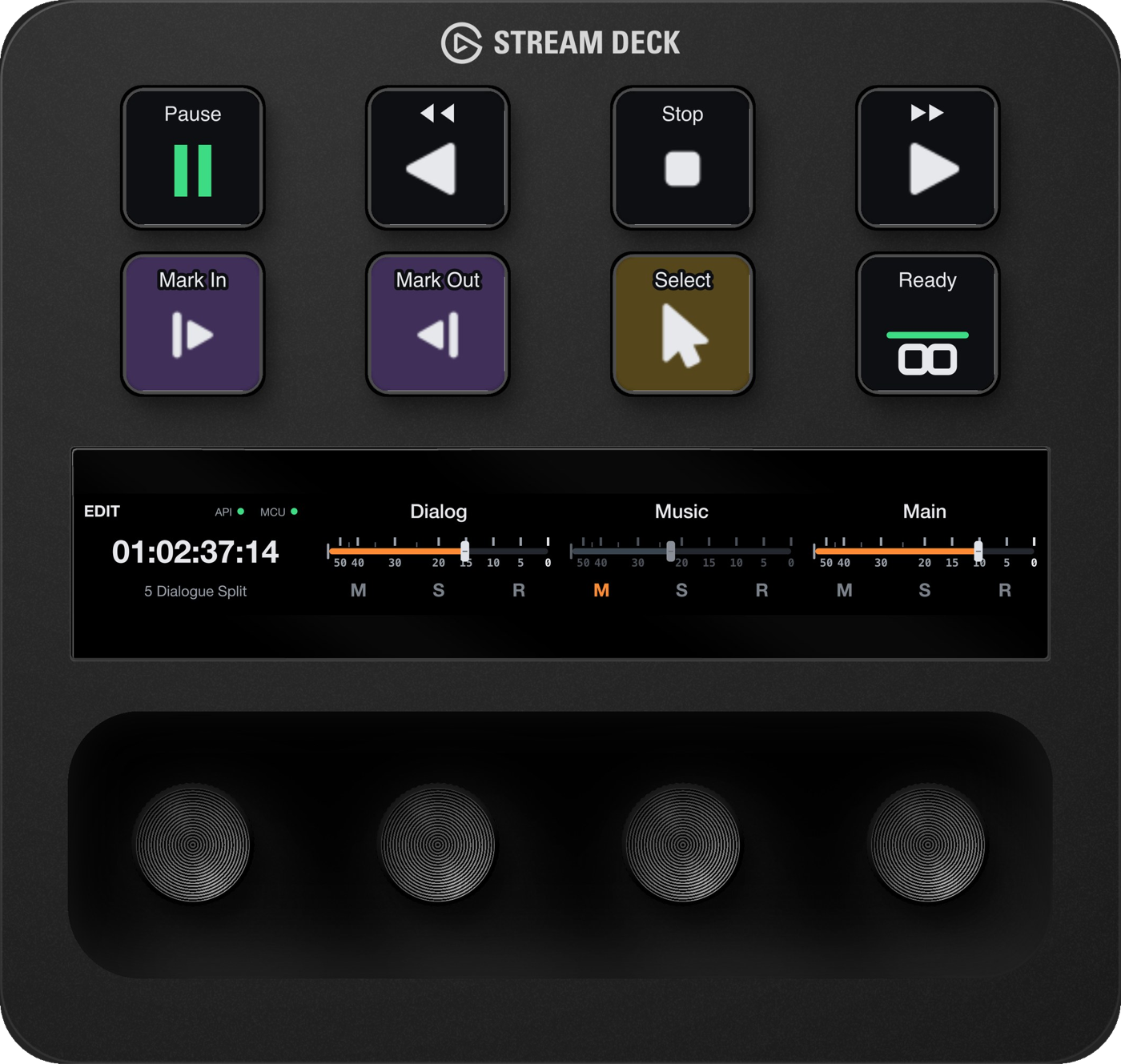
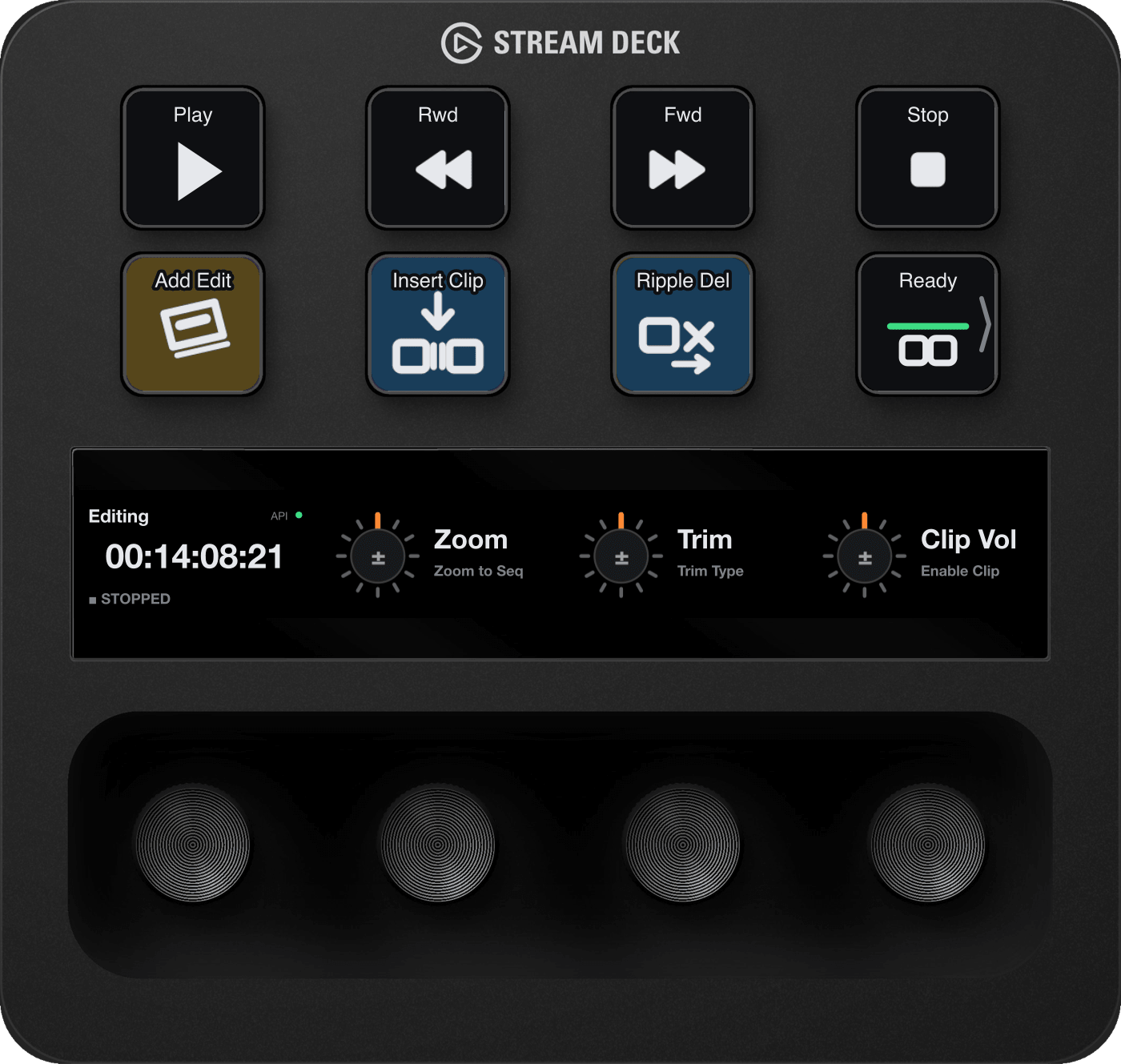

DaVinci Resolve · Edit page on a Stream Deck +
The plugins
Pick your app. The deck follows.
Why DeckBridge
Not a profile pack. A plugin that's paying attention.
Keys read what the app is actually doing - playback, timecode, faders, usage budgets - and show it honestly. Unbound commands grey out, stale readings are dated or blanked, and a key never shows a guess.
Live timecode
Resolve's timecode on the touch strip, with the page and timeline under it.
Real faders
Mixer strips with the track's real name, its fader and mute, solo and record-arm.
Usage at a glance
Cursor's usage meters as keys - teal, then amber at 70%, red at 90%.
Follows you
The deck changes with the app.
DeckBridge for DaVinci Resolve morphs with the page you're on - Edit, Color, Fairlight. DeckBridge for Premiere Pro switches with Premiere's workspaces - Editing, Color, Audio, Effects - and hands the deck back to your previous profile when you leave Premiere.
Who makes DeckBridge
InspireX Ltd, trading as DeckBridge.
DeckBridge is made by InspireX Ltd, trading as DeckBridge, of Hertford, Hertfordshire, United Kingdom. Questions and support go to support@deckbridge.io, and DeckBridge is on YouTube. How we handle data is in the privacy policy.
Get it
Put your app on the deck.
DeckBridge for DaVinci Resolve, Premiere Pro and Cursor are live on the Elgato Marketplace - one click installs them into the Stream Deck app.
